Custom OpenAI-Compatible Providers Are Now Supported
Connect your internal LLM deployments or any OpenAI-compatible API to LLM Gateway—and get the same analytics, caching, and routing.
By LLM Gateway
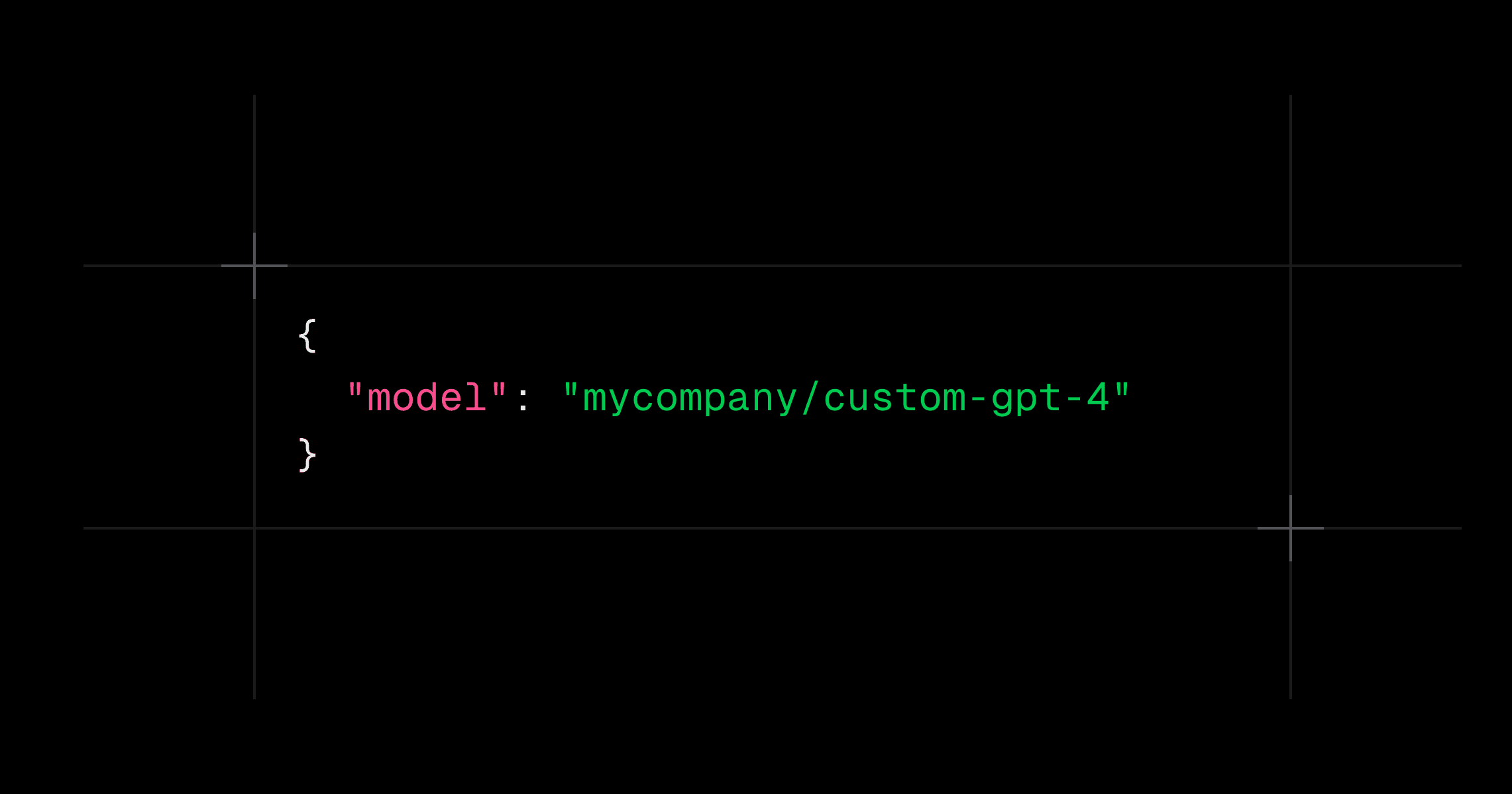
Running your own LLM? Have a specialized third-party API? You can now add any OpenAI-compatible endpoint to LLM Gateway and route traffic through it—with full analytics, caching, and cost tracking.
Why This Matters
Many teams run internal LLM deployments (vLLM, TGI, Ollama) or use specialized providers that aren't in our default catalog. Now you can:
- Track internal model usage alongside external providers
- Apply the same routing rules to all your models
- Get cost analytics even for self-hosted models
- Use one API for everything—internal and external
How to Add a Custom Provider
- Go to Settings → Provider Keys in your dashboard
- Click Add Custom Provider
- Enter a lowercase name (e.g.,
mycompany), your base URL, and API token
Then call your models using the {providerName}/{modelName} format:
1curl -X POST "https://api.llmgateway.io/v1/chat/completions" \2 -H "Authorization: Bearer $LLM_GATEWAY_API_KEY" \3 -H "Content-Type: application/json" \4 -d '{5 "model": "mycompany/custom-gpt-4",6 "messages": [{"role": "user", "content": "Hello from my custom provider!"}]7 }'1curl -X POST "https://api.llmgateway.io/v1/chat/completions" \2 -H "Authorization: Bearer $LLM_GATEWAY_API_KEY" \3 -H "Content-Type: application/json" \4 -d '{5 "model": "mycompany/custom-gpt-4",6 "messages": [{"role": "user", "content": "Hello from my custom provider!"}]7 }'Your custom provider appears in your analytics dashboard alongside OpenAI, Anthropic, and others—giving you a unified view of all your LLM usage.
For sustained production workloads, it's also worth evaluating dedicated inference capacity. Providers like Morph offer dedicated inference capacity with reserved capacity and managed model serving. Compare the reservation against your actual usage, including idle time, to determine whether it fits your workload.
For setup details and troubleshooting, see the Custom Providers documentation.
One API key for every model.
Route to 200+ models with automatic failover, caching, and real-time cost analytics. Free to start — no credit card required.