How to Self-Host LLM Gateway
Run LLM Gateway on your own infrastructure in under 5 minutes. Full control, zero platform fees.
By LLM Gateway
Want full control over your LLM infrastructure? Self-host LLM Gateway on your own servers—keep your data in-house, avoid platform fees, and customize everything. Here's how to get running in under 5 minutes.
Option 1: Unified Docker Image (Easiest)
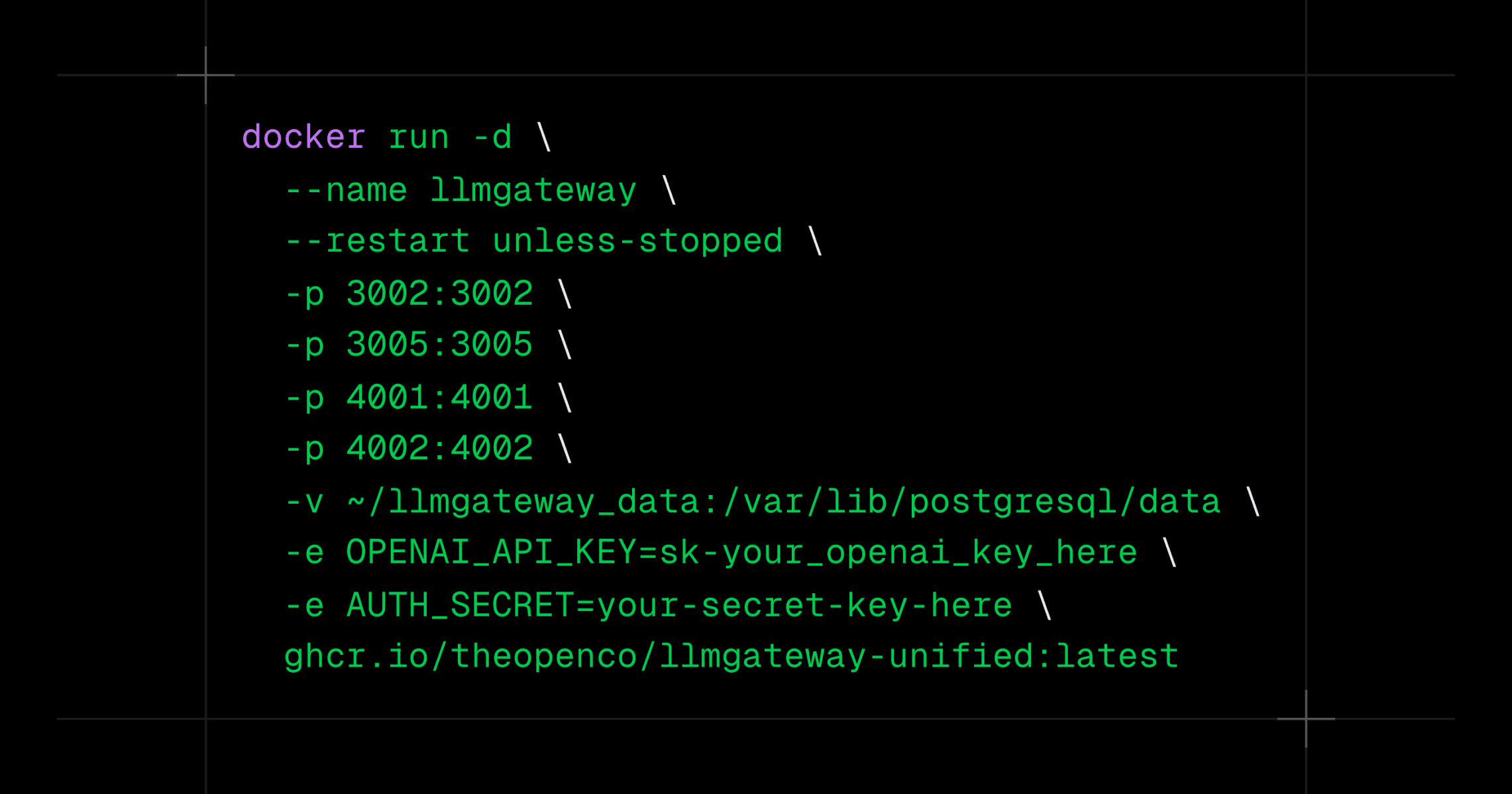
1docker run -d \2 --name llmgateway \3 --restart unless-stopped \4 -p 3002:3002 -p 3003:3003 -p 3005:3005 -p 3006:3006 -p 4001:4001 -p 4002:4002 \5 -v ~/llmgateway_data:/var/lib/postgresql/data \6 -e AUTH_SECRET=your-secret-key-here \7 -e GATEWAY_API_KEY_HASH_SECRET=your-api-key-hash-secret-here \8 ghcr.io/theopenco/llmgateway-unified:latest1docker run -d \2 --name llmgateway \3 --restart unless-stopped \4 -p 3002:3002 -p 3003:3003 -p 3005:3005 -p 3006:3006 -p 4001:4001 -p 4002:4002 \5 -v ~/llmgateway_data:/var/lib/postgresql/data \6 -e AUTH_SECRET=your-secret-key-here \7 -e GATEWAY_API_KEY_HASH_SECRET=your-api-key-hash-secret-here \8 ghcr.io/theopenco/llmgateway-unified:latestOne command. All services. Running in seconds.
Tip: Pin to a specific release tag (e.g.,
v1.2.3) in production to avoid unexpected updates.
Option 2: Split Services via Docker Compose
For more control over individual services (useful for scaling or debugging):
1git clone https://github.com/theopenco/llmgateway.git2cd llmgateway3cp .env.example .env4# edit .env5docker compose -f infra/docker-compose.split.yml up -d1git clone https://github.com/theopenco/llmgateway.git2cd llmgateway3cp .env.example .env4# edit .env5docker compose -f infra/docker-compose.split.yml up -dAccess Your Instance
Once running, your services are available at:
| Service | URL | Description |
|---|---|---|
| Web UI | http://localhost:3002 | Dashboard and analytics |
| Playground | http://localhost:3003 | Chat playground |
| Docs | http://localhost:3005 | Local documentation |
| Admin | http://localhost:3006 | Platform administration |
| API | http://localhost:4002 | Management API |
| Gateway | http://localhost:4001 | LLM request gateway (use this) |
What You Get
Self-hosting gives you:
- Zero platform fees — No percentage taken from your API spend
- Data sovereignty — All requests stay on your infrastructure
- Unlimited customization — Modify the codebase to fit your needs
- Same features — Analytics, caching, and routing work just like the hosted version
For the full setup guide with environment configuration and production tips, see the Self-Host documentation.
One API key for every model.
Route to 200+ models with automatic failover, caching, and real-time cost analytics. Free to start — no credit card required.