Embeddings on LLM Gateway: One API for Vectors and Chat
Generate vectors for semantic search, clustering, and RAG through the same gateway you already use for chat. OpenAI-compatible, drop-in, and tracked alongside your model spend.
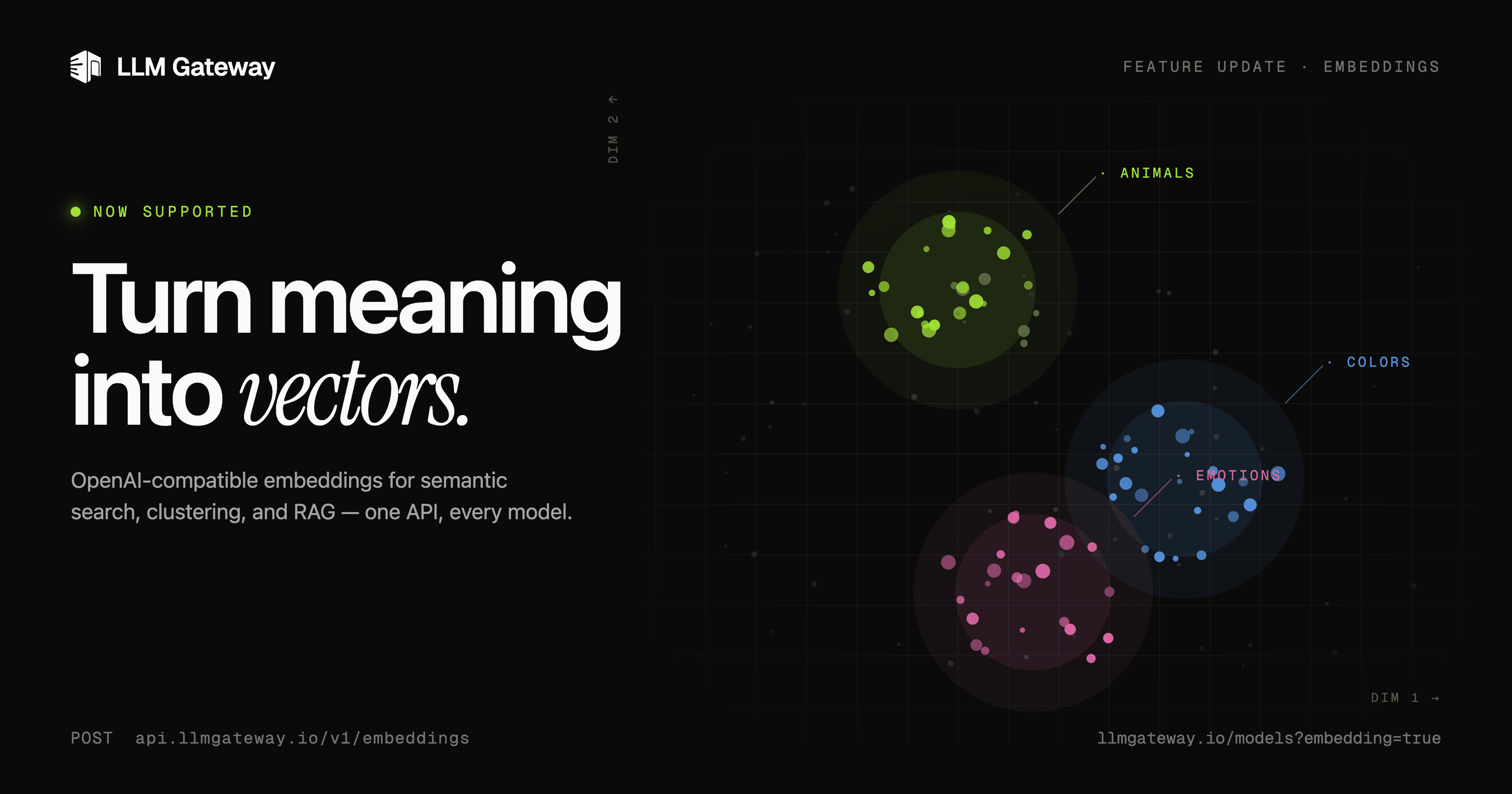
Most teams treat embeddings as a separate problem. Chat traffic goes through one client, one budget, one observability stack. Vectors go through another — a different SDK, a different key, a different bill, often a different provider entirely. Two pipelines for what's fundamentally the same job: turning text into something a model can reason about.
Starting today, that split is gone. LLM Gateway now exposes an OpenAI-compatible /v1/embeddings endpoint. The same base URL and the same API key that handle your chat completions now handle your vectors.
What changed
If you're already using the OpenAI SDK against LLM Gateway, embeddings work with zero code changes:
1import OpenAI from "openai";2
3const client = new OpenAI({4  apiKey: process.env.LLM_GATEWAY_API_KEY,5  baseURL: "https://api.llmgateway.io/v1",6});7
8const response = await client.embeddings.create({9  model: "text-embedding-3-small",10  input: "The quick brown fox jumps over the lazy dog.",11});12
13console.log(response.data[0].embedding);1import OpenAI from "openai";2
3const client = new OpenAI({4 apiKey: process.env.LLM_GATEWAY_API_KEY,5 baseURL: "https://api.llmgateway.io/v1",6});7
8const response = await client.embeddings.create({9 model: "text-embedding-3-small",10 input: "The quick brown fox jumps over the lazy dog.",11});12
13console.log(response.data[0].embedding);That's it. The same client object that streams chat completions now returns vectors.
Why this matters
Embeddings are the quiet workhorse behind most production LLM features:
- Semantic search — match queries to documents by meaning, not keywords
- RAG pipelines — retrieve the right context before you generate
- Clustering and deduplication — group similar content at scale
- Recommendations — surface "more like this" without hand-tuned rules
- Classification — route, tag, or moderate by similarity
When chat and embeddings live in different systems, every one of those features carries hidden tax: two sets of keys to rotate, two bills to reconcile, two dashboards to check, two outages to handle. Consolidating them isn't glamorous — it's just one less thing that can go wrong at 2 a.m.
One API key for every model.
Route to 200+ models with automatic failover, caching, and real-time cost analytics. Free to start — no credit card required.
Billing and observability
Embedding requests show up in the same activity log as your chat traffic, with the same per-request cost breakdown. A few things to know:
- Embeddings are billed on input tokens only — there are no output tokens, since the response is a fixed-size vector
- Costs roll into the same project budget you already use for chat
- The same API key permissions, rate limits, and provider routing rules apply
If you have an LLM Gateway dashboard open right now, embeddings traffic will appear in it without any setup.
Getting started
- Pick a model. Browse the embedding-capable models —
text-embedding-3-smallis a strong default for most use cases. - Point your OpenAI client at LLM Gateway (if it isn't already):
baseURL: "https://api.llmgateway.io/v1". - Call
embeddings.create(). That's the whole integration.
Full reference and additional examples in the embeddings docs.
One API. One key. One bill. Chat and vectors, finally in the same place.
One API key for every model.
Route to 200+ models with automatic failover, caching, and real-time cost analytics. Free to start — no credit card required.