How to Deploy LLM Gateway on Cloud Platforms
What it takes to run LLM Gateway in production on AWS, GCP, or Azure — the components you need, how they fit together, and why Kubernetes is the path we recommend once you outgrow a single box.
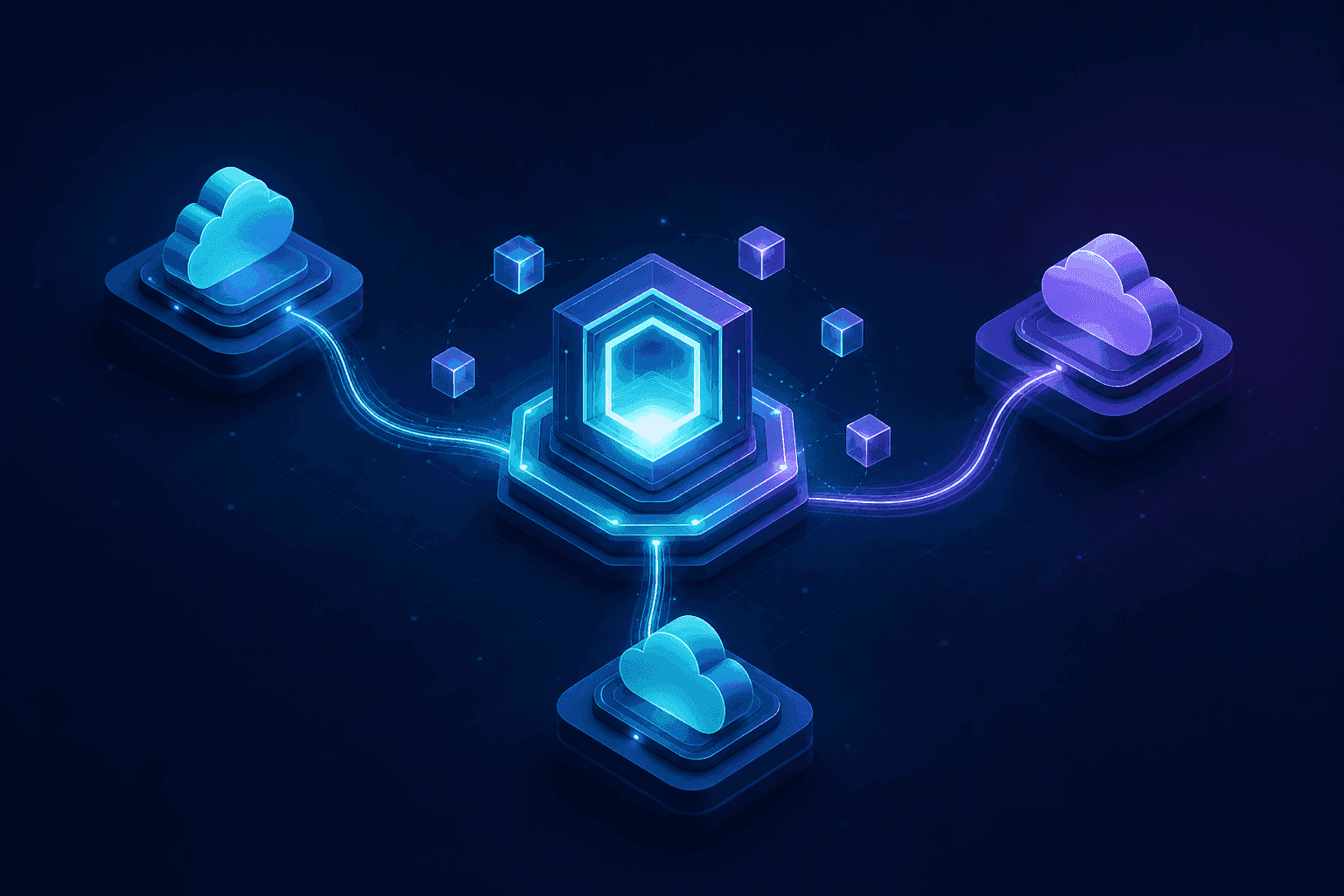
A single docker run is enough to try LLM Gateway on a laptop. Production is a different question. Once real traffic depends on it, you need a deployment that survives a node restart, scales when usage spikes, and keeps your data where your compliance team expects it.
The good news: LLM Gateway is built from a handful of standard pieces. If you've shipped any stateful web service to the cloud, you already know the shape of this. This guide walks through the components, how they fit together, and the deployment model we recommend for each cloud.
The components you need
LLM Gateway splits cleanly into stateless application services and stateful backing stores. That split is the whole reason it scales well.
Stateless services — these hold no data between requests, so you can run as many copies as you need and put a load balancer in front:
- Gateway — the hot path. It receives OpenAI-compatible requests, picks a provider, and streams responses back. This is the service that scales with traffic.
- API — the management plane behind the dashboard: organizations, projects, keys, billing, analytics.
- UI — the web dashboard your team logs into.
- Worker — background processing for usage logs, cost aggregation, and billing. It runs off a queue, not the request path.
Stateful backing stores — these hold your data and need backups:
- PostgreSQL — the source of truth for users, projects, keys, and usage records.
- Redis — response caching and the queue that feeds the worker.
The provider keys — the OpenAI, Anthropic, Google, and other credentials the gateway uses to reach upstream models. Inject these as secrets, never bake them into an image.
That's it. Three stateless services (plus a worker), two stateful stores, and your secrets.
How the pieces fit together
A request flows like this: a client calls the gateway, which checks Redis for a cached response, looks up the key and routing rules in Postgres, forwards the call to the upstream provider, streams the answer back, and drops a usage record onto a queue. The worker picks that up later to aggregate cost and usage — off the hot path, so logging never slows down a completion.
The practical takeaway: the gateway is the only service that needs to scale aggressively. The API and UI serve your team, not your traffic. Postgres and Redis should be durable and backed up, which is exactly what a managed database gives you.
One API key for every model.
Route to 200+ models with automatic failover, caching, and real-time cost analytics. Free to start — no credit card required.
Run the stores as managed services
You can run PostgreSQL and Redis in containers. In production, don't. Every major cloud offers a managed equivalent that handles backups, failover, patching, and encryption at rest for you:
| Component | AWS | Google Cloud | Azure |
|---|---|---|---|
| PostgreSQL | RDS for Postgres | Cloud SQL for Postgres | Azure Database for PostgreSQL |
| Redis | ElastiCache | Memorystore | Azure Cache for Redis |
Point the application services at these via connection strings and you've removed the two hardest things to operate yourself. Your stateless services become genuinely disposable — restart, replace, or scale them freely without risking data.
Why we recommend Kubernetes
For a single low-traffic instance, Docker Compose on one VM is fine, and we document that too. But the moment you want more than one box — for redundancy, for scale, or because a single instance going down isn't acceptable — you want an orchestrator. Kubernetes is the one we recommend, for reasons that line up exactly with how LLM Gateway is built:
- The gateway scales horizontally on its own. Because it's stateless, a
HorizontalPodAutoscalercan add and remove replicas based on load with no coordination. - Self-healing. A crashed pod gets rescheduled. A bad deploy rolls back. You don't get paged for a single node hiccup.
- One model, every cloud. Amazon EKS, Google GKE, and Azure AKS all run the same manifests. Your deployment stops being cloud-specific.
To make this a one-step install, we publish an official Helm chart. It deploys the gateway, API, UI, and worker with sane defaults and lets you wire in your managed Postgres and Redis through values:
1helm install llmgateway oci://ghcr.io/theopenco/charts/llmgateway1helm install llmgateway oci://ghcr.io/theopenco/charts/llmgatewayPoint the chart at your managed database and cache, set your secrets, and you have a production deployment on any Kubernetes cluster.
Configure it for your cloud
The architecture is the same everywhere; the specifics — which managed services to provision, how to wire up networking and secrets, which compute service to run the containers on — differ per cloud. We've written a dedicated guide for each:
- Deploy on AWS — EKS, RDS, ElastiCache, and Secrets Manager.
- Deploy on Google Cloud — GKE, Cloud SQL, Memorystore, and Secret Manager.
- Deploy on Azure — AKS, Azure Database for PostgreSQL, Azure Cache for Redis, and Key Vault.
Prefer to stay on a single host? The Docker and Docker Compose guides cover that, and the Kubernetes guide goes deeper on the Helm chart.
Skip the setup with Terraform
If you'd rather not assemble the cloud resources by hand, our Enterprise plan includes infrastructure-as-code: Terraform modules that provision the cluster, managed database, cache, networking, and secrets, then deploy LLM Gateway — in one command, on AWS, GCP, or Azure. You get a production-grade deployment without writing the plumbing yourself.
Get started
Self-hosting LLM Gateway gives you full control over where your LLM traffic flows and where your data lives, with no platform fees. Pick your cloud, provision a managed Postgres and Redis, and deploy the Helm chart — or talk to us about Terraform and have it running in a single command.
Start with the self-hosting docs, or get in touch if you want help putting it into production.
One API key for every model.
Route to 200+ models with automatic failover, caching, and real-time cost analytics. Free to start — no credit card required.