DevPass Code: A Terminal Coding Agent for LLM Gateway
DevPass Code is an open-source terminal coding agent that talks only to LLM Gateway. One browser login, every model, and no per-provider API keys to juggle. Use it pay-as-you-go or on a DevPass coding subscription.
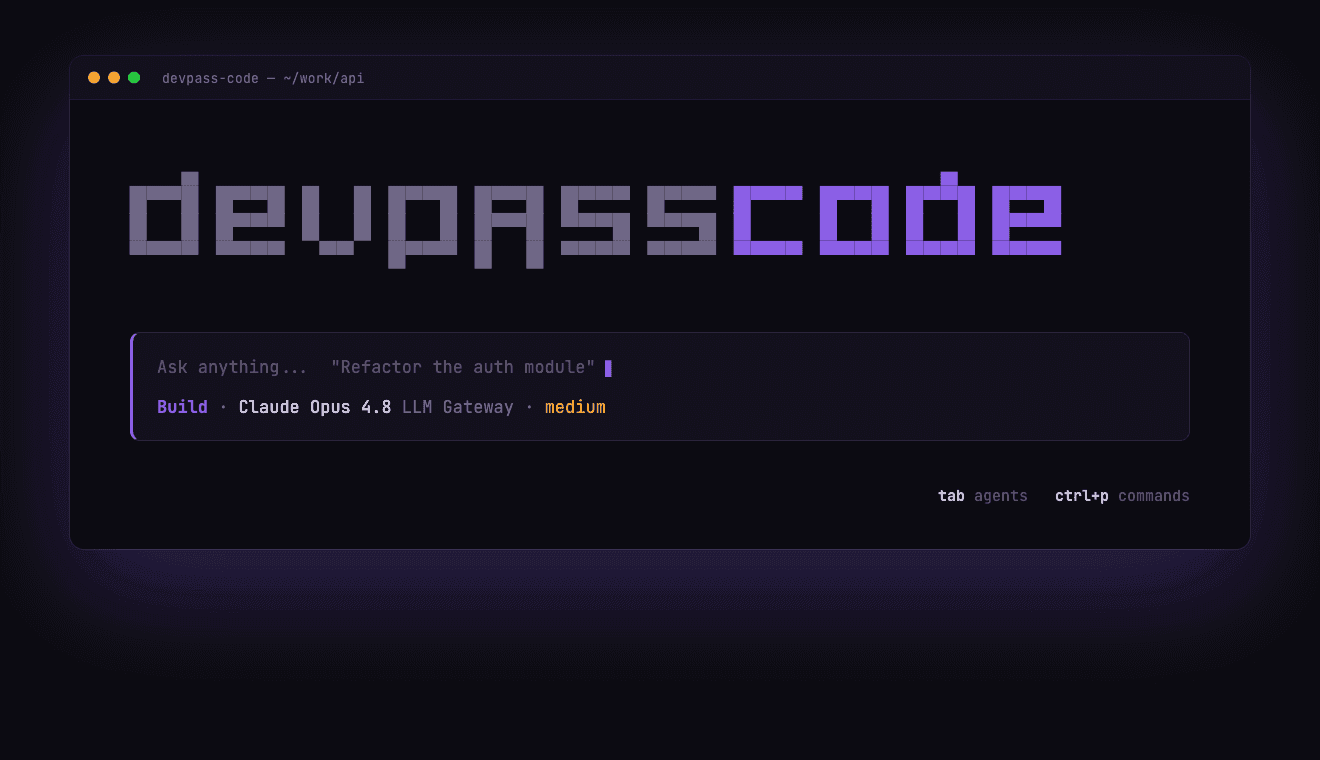
Every terminal coding agent asks you to wire up providers before you can write a line of code: an Anthropic key here, an OpenAI key there, a base URL to override, a config file to babysit. Switch models and you do it again. It's setup tax on the exact tool that's supposed to remove busywork.
Today we're releasing DevPass Code — an open-source terminal coding agent that talks to exactly one place: LLM Gateway. You log in once from your browser, and every text model the gateway serves is available in the same session. No per-provider keys, no base-URL surgery, no reconfiguring to try a different model.
One login, from the terminal
DevPass Code borrows the login flow you already like from Claude Code. Run one command, and it opens your browser, you approve the connection, and the terminal picks up automatically:
1devpass-code auth login2# → pick a provider → "Log in with browser"1devpass-code auth login2# → pick a provider → "Log in with browser"Under the hood it starts a short-lived loopback server on localhost, opens https://llmgateway.io/connect/cli, and the freshly minted API key is handed straight back to your machine — it never leaves it. Prefer to paste a key you already have? Choose Paste an API key instead. Credentials live in ~/.local/share/devpass-code/auth.json, and the connect page only ever redirects to a local address.
Two providers, two ways to pay
DevPass Code ships with two providers and nothing else. Both route to https://api.llmgateway.io/v1; the gateway decides how each request is billed from the account behind your key.
| Provider | Use it when |
|---|---|
| LLM Gateway | You pay as you go with credits or your own LLM Gateway API key. |
| LLM Gateway DevPass | You're on a DevPass coding subscription — billing is handled automatically, no per-request setup. |
Every text model on the gateway — roughly 190 of them, from Claude Opus and GPT-5.5 to Gemini 3 Pro and Grok — shows up in the model picker. Switching is a keystroke, not a config change.
Every frontier model. One flat rate.
Run Claude, GPT-5.5, Gemini, and 200+ more through Claude Code, Cursor, or whatever tool you already use. From $29/mo — no token math, no surprise invoices.
Built on opencode, focused on the gateway
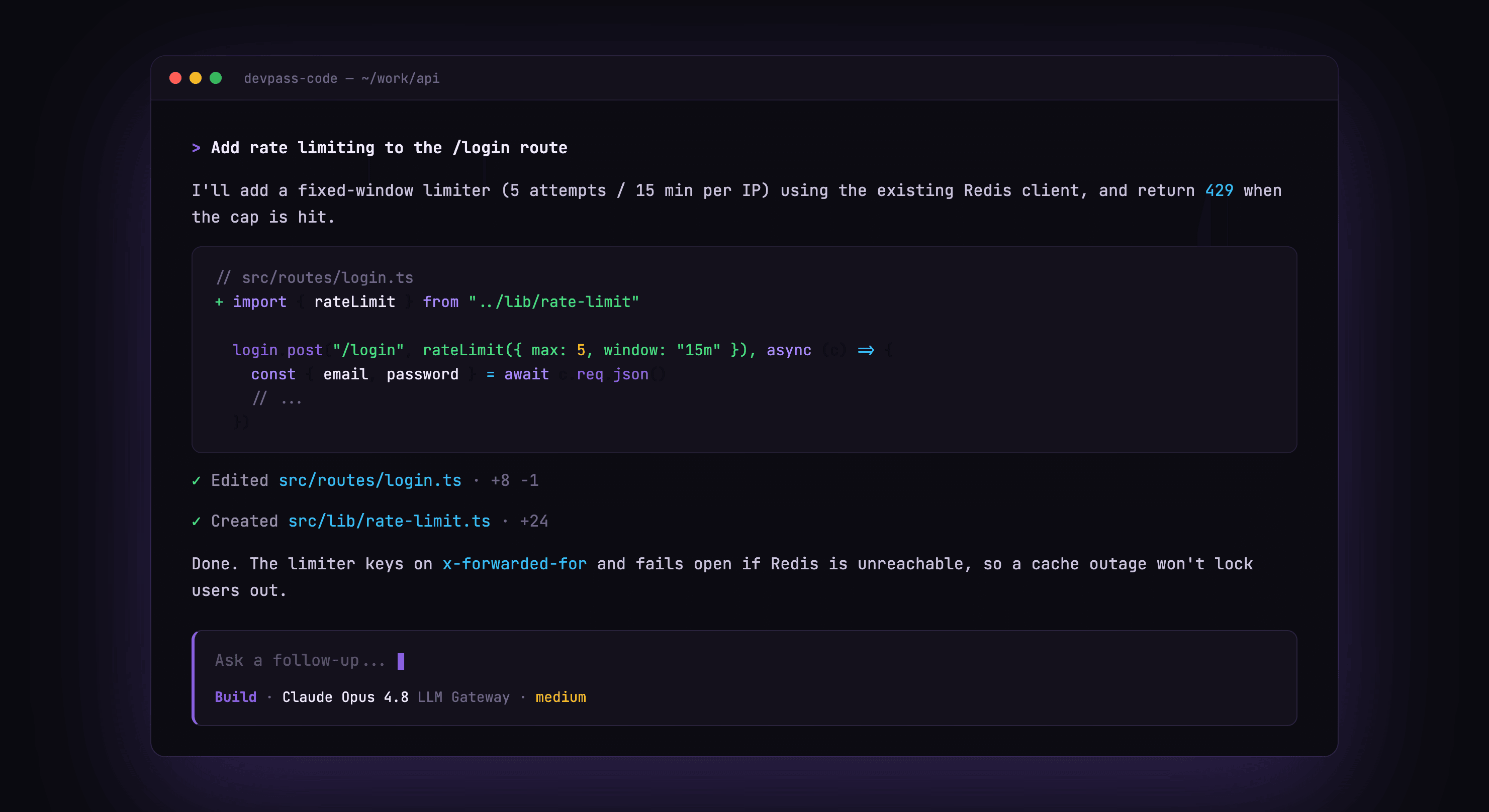
DevPass Code is a fork of opencode (MIT), rebranded and stripped down to a single upstream. We kept the parts that make opencode good — the fast TUI, agents, tools, MCP support, session management — and removed the provider sprawl. The result is a coding agent that does one thing: route your work through LLM Gateway, with an interface that matches the gateway's design.
It sends an x-source: devpass-code header on every request, so if you're on DevPass your usage is attributed correctly and shows up in your dashboard alongside your other coding tools.
Install it
DevPass Code is one command away. From npm:
1npm i -g devpass-code1npm i -g devpass-codeOr with Homebrew:
1brew install theopenco/tap/devpass-code1brew install theopenco/tap/devpass-codePrefer something else? There's an install script (curl -fsSL https://raw.githubusercontent.com/theopenco/devpass-code/main/install | bash), an AUR package (devpass-code-bin), a Docker image (ghcr.io/theopenco/devpass-code), and Windows binaries on GitHub releases.
Then authenticate and start a session:
1devpass-code auth login # one-click browser login2devpass-code # launch the TUI in your project1devpass-code auth login # one-click browser login2devpass-code # launch the TUI in your projectIf you'd rather not log in interactively, set LLMGATEWAY_API_KEY in your environment and DevPass Code will use it directly.
Get started
- Try LLM Gateway free and grab an API key
- Run
npm i -g devpass-code— or browse the source on GitHub - Read the coding agents guide to connect it to your workflow
Every frontier model. One flat rate.
Run Claude, GPT-5.5, Gemini, and 200+ more through Claude Code, Cursor, or whatever tool you already use. From $29/mo — no token math, no surprise invoices.
Frequently asked questions
- Is DevPass Code free?
- The tool is open source (MIT) and free to run. You pay only for the models you use through LLM Gateway — either pay-as-you-go credits or a DevPass subscription. There's no separate charge for the agent itself.
- How do I install DevPass Code?
npm i -g devpass-codeon any platform with Node, orbrew install theopenco/tap/devpass-codeon macOS and Linux. An install script, an AUR package (devpass-code-bin), a Docker image, and Windows binaries are also available on GitHub.- Do I need a DevPass subscription to use it?
- No. Pick the LLM Gateway provider and you're on pay-as-you-go with your own key or credits. The LLM Gateway DevPass provider is there for subscribers who want flat-rate coding usage.
- Which models can I use?
- Any text model LLM Gateway supports — the full catalogue across Anthropic, OpenAI, Google, xAI, DeepSeek, and more. DevPass Code fetches the live catalog, so new models appear without an update.
- How is this different from using opencode directly?
- opencode supports dozens of providers and needs per-provider setup. DevPass Code is the same core with everything pointed at LLM Gateway: one browser login, one billing relationship, and a UI themed to match the gateway.