Pay For Credits With Crypto
You can now top up your credits balance with crypto. Open the top-up dialog, take the checkout option below the amount, and pick crypto on the Stripe Checkout page — the credits land on your account exactly like a card payment.

Until now, buying credits meant paying by card. Some teams do not want to put a corporate card on file for a $50 top-up, and some simply prefer to pay in stablecoins. As of today, credit top-ups accept crypto.
Where To Find It
Open Top Up Credits from your billing page, pick an amount, and select the checkout button below it — the one showing Apple Pay, Google Pay, and Crypto.
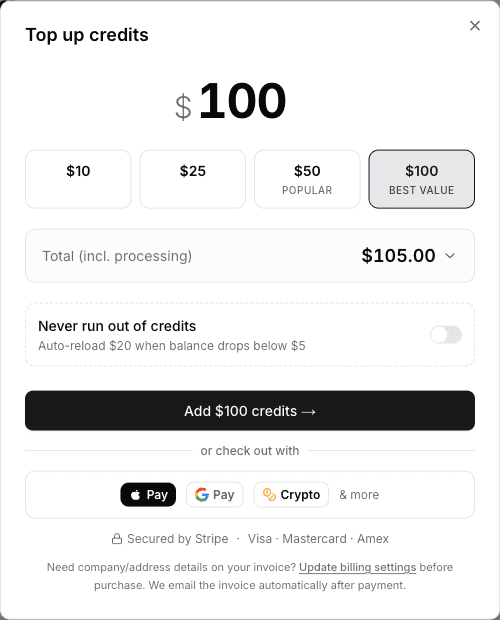
That button hands you off to Stripe Checkout, where crypto is one of the payment options alongside cards and wallets. Pick it, pay, and you land back in the dashboard with the credits already applied. Everything downstream is unchanged: same pricing, same 5% platform fee, same invoice emailed after payment.