Provider Compliance Policies
Restrict routing to providers that meet your compliance requirements — SOC 2, ISO 27001, GDPR, no prompt training, no prompt logging. Requests to non-compliant providers are blocked before any data leaves the gateway. Available on Enterprise.
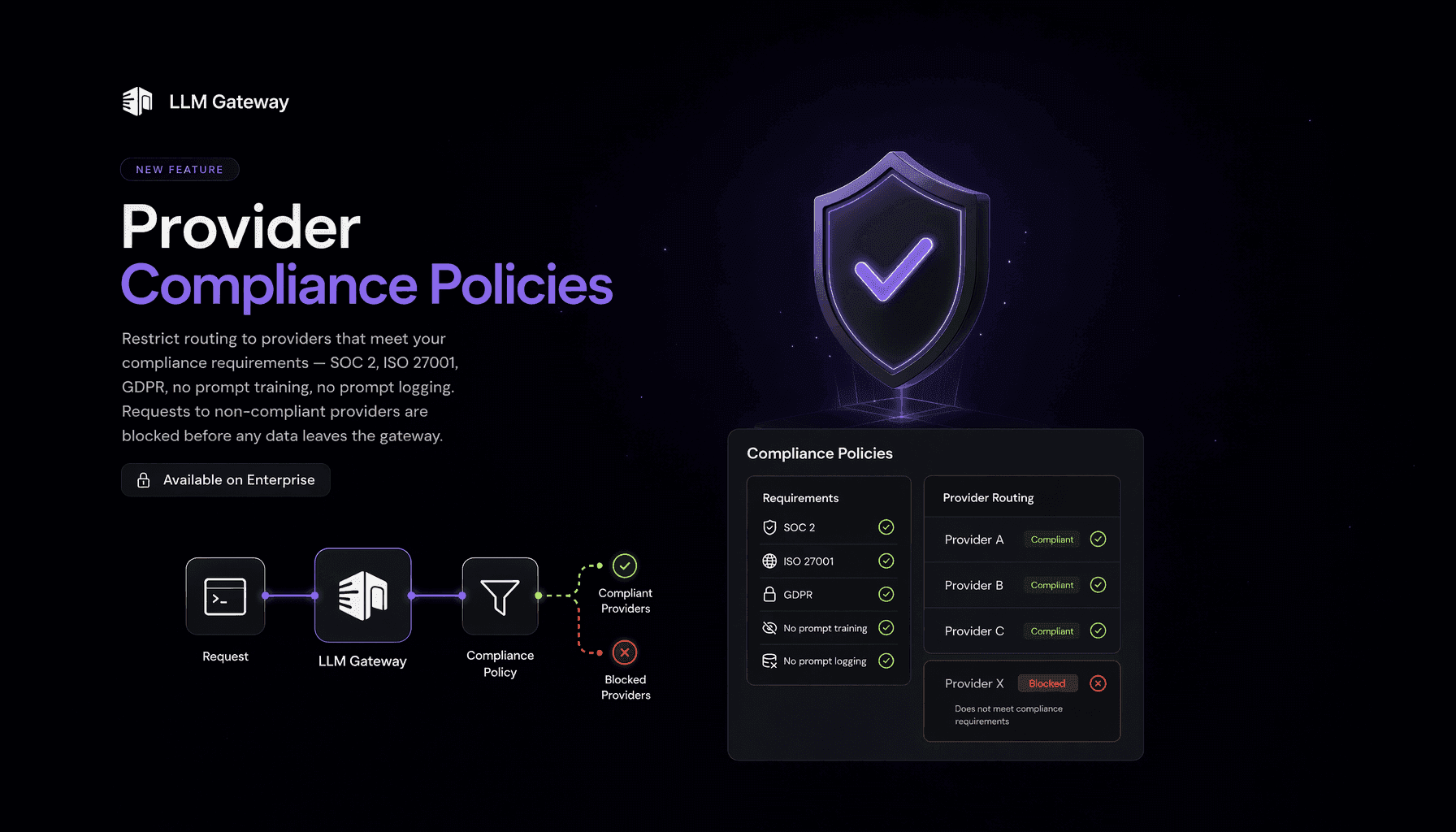
Regulated teams often can only send prompts to providers that meet a specific bar — say, a SOC 2 Type 2 certification and a guarantee that prompts are never used for training. Provider Compliance Policies turn that requirement into an enforced guardrail: pick the certifications and data policies you require, and the gateway refuses to route to any provider that doesn't meet them.
How it works
Under Settings → Compliance, enable a policy and toggle the requirements you need:
- SOC 2 (Type 2)
- ISO 27001
- SOC 2 or ISO 27001 (either is acceptable)
- GDPR compliant
- No training on prompts
- No prompt logging
Every requirement is fail-closed — a provider is only allowed if its published data policy explicitly satisfies it. The settings page shows a live preview of exactly which providers would be allowed and which would be blocked under the current policy.
Enforcement at the gateway
When a request would be routed to a provider that doesn't meet the policy, the gateway blocks it with a 403 before any data is sent upstream — whether the provider was pinned (e.g. deepseek/deepseek-v3.2) or selected by automatic routing:
1{2 "error": {3 "message": "This request was blocked by your organization's provider compliance policy. No available provider for deepseek-v3.2 meets the required certifications. Contact your LLMGateway admin to adjust the policy."4 }5}1{2 "error": {3 "message": "This request was blocked by your organization's provider compliance policy. No available provider for deepseek-v3.2 meets the required certifications. Contact your LLMGateway admin to adjust the policy."4 }5}Each block is recorded as a security event, so admins can see what was rejected and why.
Availability
Provider compliance policies are available on the Enterprise plan for organization owners and admins.