LiteLLM Compromised Again: Infostealer and RAT in 1.107.0
LiteLLM was compromised again on October 21, 2026: version 1.107.0 on PyPI and the official Docker image shipped an infostealer and a remote access trojan that dumped stored provider keys. Here is what happened, how to check if you are affected, what to rotate, and how to move off a self-hosted LiteLLM proxy in two lines.
By LLM Gateway
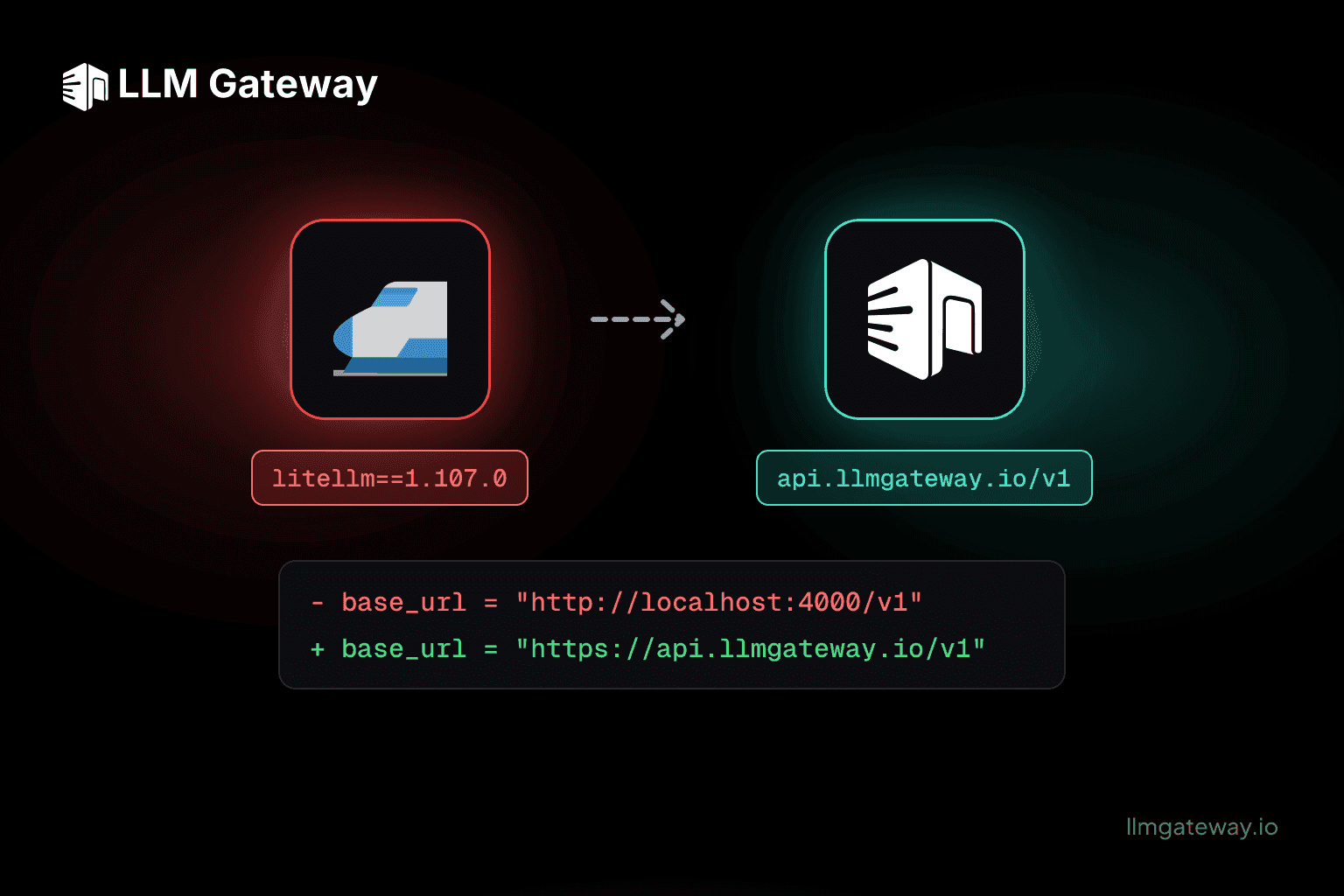
LiteLLM has been compromised again. On October 21, 2026, Aikido Security reported that litellm==1.107.0 on PyPI shipped two pieces of malware: an infostealer that sends your credentials to the attacker on first run, and a remote access trojan (RAT) that lets the attacker run any Python they want on the machine, every hour, indefinitely. The official Docker image for the same version was compromised too.
This is the second LiteLLM supply chain attack this year. In March, versions 1.82.7 and 1.82.8 were live on PyPI for about 40 minutes and harvested credentials from unpinned installs. Pinning the Docker image protected people then. This time the Docker image itself, including the latest, main-latest and main-stable tags, carried the payload.
If you run a LiteLLM proxy, this post covers what happened, how to check whether you are affected, what to rotate, and how to move to LLM Gateway without rewriting your code.
Am I affected by the LiteLLM 1.107.0 compromise?
You are affected if any of these ran anywhere, including laptops, CI runners and containers:
pip install litellm==1.107.0, or an unpinnedpip install litellm/pip install -U litellmwhile 1.107.0 was the latest release- the Docker image
litellm/litellm:1.107.0 litellm/litellm:latest,main-latestormain-stablepulled while they pointed at 1.107.0
Check every host and container that may have run it. Do not run python or pip there to find out. The payload starts at interpreter startup, so any Python process, including pip show, can run the stealer or the trojan again. Inspect the files from a shell instead:
1# The credential stealer already ran if this file exists2ls -la /tmp/.pc_once_72129118c59f5636c0bb3
4# The remote access trojan ran, or is still running, if this file exists5ls -la /tmp/remote_code_loader.lock6
7# Installed version and dropped files, found without starting Python8find / -type d -name "litellm-1.107.0.dist-info" 2>/dev/null9find / -path "*site-packages*" \( -name cook.pth -o -name cook.py -o -name sitecustomize.py \) 2>/dev/null10
11# Docker: local copies of the image and containers started from it12docker images --digests litellm/litellm13docker ps -a --filter ancestor=litellm/litellm:1.107.01# The credential stealer already ran if this file exists2ls -la /tmp/.pc_once_72129118c59f5636c0bb3
4# The remote access trojan ran, or is still running, if this file exists5ls -la /tmp/remote_code_loader.lock6
7# Installed version and dropped files, found without starting Python8find / -type d -name "litellm-1.107.0.dist-info" 2>/dev/null9find / -path "*site-packages*" \( -name cook.pth -o -name cook.py -o -name sitecustomize.py \) 2>/dev/null10
11# Docker: local copies of the image and containers started from it12docker images --digests litellm/litellm13docker ps -a --filter ancestor=litellm/litellm:1.107.0A sitecustomize.py can be legitimate, so compare any hit against the SHA-256 hashes in Aikido's post.
On the network side, look for outbound requests to www.litellm[.]dev/healthcheck (attacker-controlled, not the LiteLLM project) and to raw.githubusercontent[.]com/letters9813/pythonclient-test. The exfiltration requests carry an X-Token: XWiA8gZNa7NcX2XRoAEb header and an old Internet Explorer user agent. Aikido's post lists the SHA-256 hashes of every affected wheel and dropped file.
PyPI has quarantined 1.107.0, the image has been removed from Docker Hub and GHCR, and GitHub took down the repository the trojan used to find its command server. That stops new installs. It does not clean up machines that already ran it, and the trojan keeps polling until you kill it.
What the malware did
The attacker did not touch the LiteLLM source code on GitHub. LiteLLM builds part of its package with maturin, and its pyproject.toml contains:
1[tool.maturin]2data = "cook"3module-name = "litellm.rust_bridge._native"1[tool.maturin]2data = "cook"3module-name = "litellm.rust_bridge._native"data = "cook" tells maturin to copy a cook/ directory into the wheel. That directory does not exist in the repository or the source tarball. It was created inside the compromised build environment, so every wheel built there and uploaded to PyPI carried three extra files into site-packages:
| File | What it does |
|---|---|
cook.pth | 12 bytes: import cook. Python runs .pth imports at interpreter startup, so the payload runs before your code. |
cook.py | The infostealer. Decompresses and runs a 61 KB payload once per machine. |
sitecustomize.py | The trojan. Also runs at every interpreter start, forks a background daemon and runs whatever code the attacker serves. |
The infostealer collected, among other things:
- Every provider key in your LiteLLM proxy. It read
LiteLLM_CredentialsTableandLiteLLM_ProxyModelTablestraight out of the LiteLLM database. - Cloud credentials for AWS, GCP and Azure, including live credentials from the instance metadata endpoints
- SSH keys, GPG keys, TLS private keys and shell history
- Kubernetes service account tokens, Docker configs and Swarm secrets
- GitLab runner configs, Jenkins secrets and HashiCorp Vault tokens
- Credentials for Claude Code, Cursor, GitHub Copilot, Codex CLI, Gemini CLI, Windsurf, Aider, HuggingFace and other developer tools
- Git credentials,
.npmrc,.pypircand pip configs - Saved browser passwords and history, and every environment variable of the current process (on Linux, of every process)
Everything was encrypted with an RSA-4096 key and sent to the attacker. Then the trojan took over: every hour it looked up the current command server and ran whatever Python it returned, with the full privileges of the process.
What to do now
- Isolate first. Treat any host or container that ran 1.107.0 as compromised and cut its network access, so the trojan cannot fetch new commands or send more data.
- Rotate credentials right away, from a clean machine. Do not wait for the rebuild: the attacker can use stolen keys while you work. Start with every provider key the proxy stored (OpenAI, Anthropic, Google, AWS Bedrock, Azure: if it was in LiteLLM's credentials table, assume the attacker has it), then cloud credentials, SSH and GPG keys, Git, npm and PyPI tokens, Kubernetes and Vault tokens, CI secrets, and every secret that was in an environment variable. Check each provider's usage dashboard for traffic you did not send.
- Rebuild in parallel. Rebuild from a clean image rather than trusting a cleanup, because the attacker could run arbitrary code on the old one.
- Pin by hash, not just by version. Use
pip install --require-hasheswith a lockfile, and pin container images by digest (image@sha256:...), not by tag. A tag likemain-stableis only as safe as the last thing pushed to it.
Why a self-hosted LLM proxy is a high-value target
An LLM proxy is, by design, the one place that holds every provider key your company has. When it is a Python package you install and update yourself, a single poisoned release turns that convenience into a single point of compromise. That is exactly what the attacker went after: the credentials table first, then everything around it.
Two incidents in seven months is a pattern, not bad luck. Each one forced the same work on every team running the proxy: find every install, rebuild, rotate every key, and audit provider bills.
Migrate from LiteLLM to LLM Gateway
LLM Gateway gives you the same OpenAI-compatible API across 40+ providers and 250+ models, without a gateway package in your runtime. Your app keeps using the OpenAI SDK it already has; the only thing that changes is where it points.
1- base_url = "http://localhost:4000/v1"          # LiteLLM proxy2+ base_url = "https://api.llmgateway.io/v1"      # LLM Gateway3
4- api_key = os.environ["LITELLM_API_KEY"]5+ api_key = os.environ["LLM_GATEWAY_API_KEY"]1- base_url = "http://localhost:4000/v1" # LiteLLM proxy2+ base_url = "https://api.llmgateway.io/v1" # LLM Gateway3
4- api_key = os.environ["LITELLM_API_KEY"]5+ api_key = os.environ["LLM_GATEWAY_API_KEY"]1import os2
3from openai import OpenAI4
5client = OpenAI(6 base_url="https://api.llmgateway.io/v1",7 api_key=os.environ["LLM_GATEWAY_API_KEY"],8)9
10response = client.chat.completions.create(11 model="anthropic/claude-sonnet-5", # LiteLLM-style model names work as-is12 messages=[{"role": "user", "content": "Hello!"}],13)1import os2
3from openai import OpenAI4
5client = OpenAI(6 base_url="https://api.llmgateway.io/v1",7 api_key=os.environ["LLM_GATEWAY_API_KEY"],8)9
10response = client.chat.completions.create(11 model="anthropic/claude-sonnet-5", # LiteLLM-style model names work as-is12 messages=[{"role": "user", "content": "Hello!"}],13)What changes when you move:
- No proxy to patch. There is no LiteLLM container, Postgres credentials table or Redis to keep up to date. We run, monitor and scale the gateway.
- One less package with access to everything. If you used
litellmas a library, swaplitellm.completion(...)for theopenaiSDK and removelitellmfrom your dependencies. - Keys in one place, rotated from the dashboard. Use LLM Gateway's provider keys, or bring your own and rotate them from the web UI instead of a YAML file.
- Audited controls. LLM Gateway is SOC 2 Type II compliant, with per-request logs and cost tracking built in.
- Still open source. If you need to run it yourself, LLM Gateway is AGPLv3. Pin its images by digest too: the lesson from this incident applies to every self-hosted dependency, ours included.
Model mapping, config migration and SDK examples for Python, TypeScript and cURL are in the LiteLLM migration guide. For a feature-by-feature comparison, see LLM Gateway vs LiteLLM.
Get started
- Try LLM Gateway free and create an API key in under a minute
- Migrate from LiteLLM: step-by-step guide with model mapping
- 8 Best LiteLLM Alternatives in 2026: how the options compare
Credit to Ilyas Makari and the Aikido Security team for the original analysis and indicators of compromise.
Frequently asked questions
- Which LiteLLM versions were compromised?
- litellm 1.107.0 on PyPI (every compiled wheel, on every operating system) and the official Docker image litellm/litellm:1.107.0, including pulls through the latest, main-latest and main-stable tags. In March 2026, versions 1.82.7 and 1.82.8 were compromised in a separate incident.
- How do I know if my machine ran the malicious LiteLLM package?
- Check for /tmp/.pconce72129118c59f5636c0bb, which means the credential stealer already ran, and /tmp/remotecodeloader.lock, which means the remote access trojan ran or is still running. Also look for cook.pth, cook.py or an unexpected sitecustomize.py in your Python site-packages.
- What should I rotate after the LiteLLM 1.107.0 compromise?
- Everything the machine or container could reach: every LLM provider key stored in the LiteLLM database, cloud credentials (AWS, GCP, Azure), SSH and GPG keys, Git, npm and PyPI tokens, Kubernetes and Docker secrets, CI/CD and Vault tokens, AI coding tool credentials, and every secret that was in an environment variable.
- How do I migrate from LiteLLM to LLM Gateway?
- Point your OpenAI-compatible client at https://api.llmgateway.io/v1 and swap the API key for an LLM Gateway key. Model names like gpt-6-astra and anthropic/claude-sonnet-5 work as they are. The full steps are in the LiteLLM migration guide at llmgateway.io/migration/litellm.